Launch Help Center
PS5 and Xbox installation, game codes and settings.

Find your way around Leonida, check which cars come with each edition, and set up GTA 6 on your console.
PS5 and Xbox installation, game codes and settings.
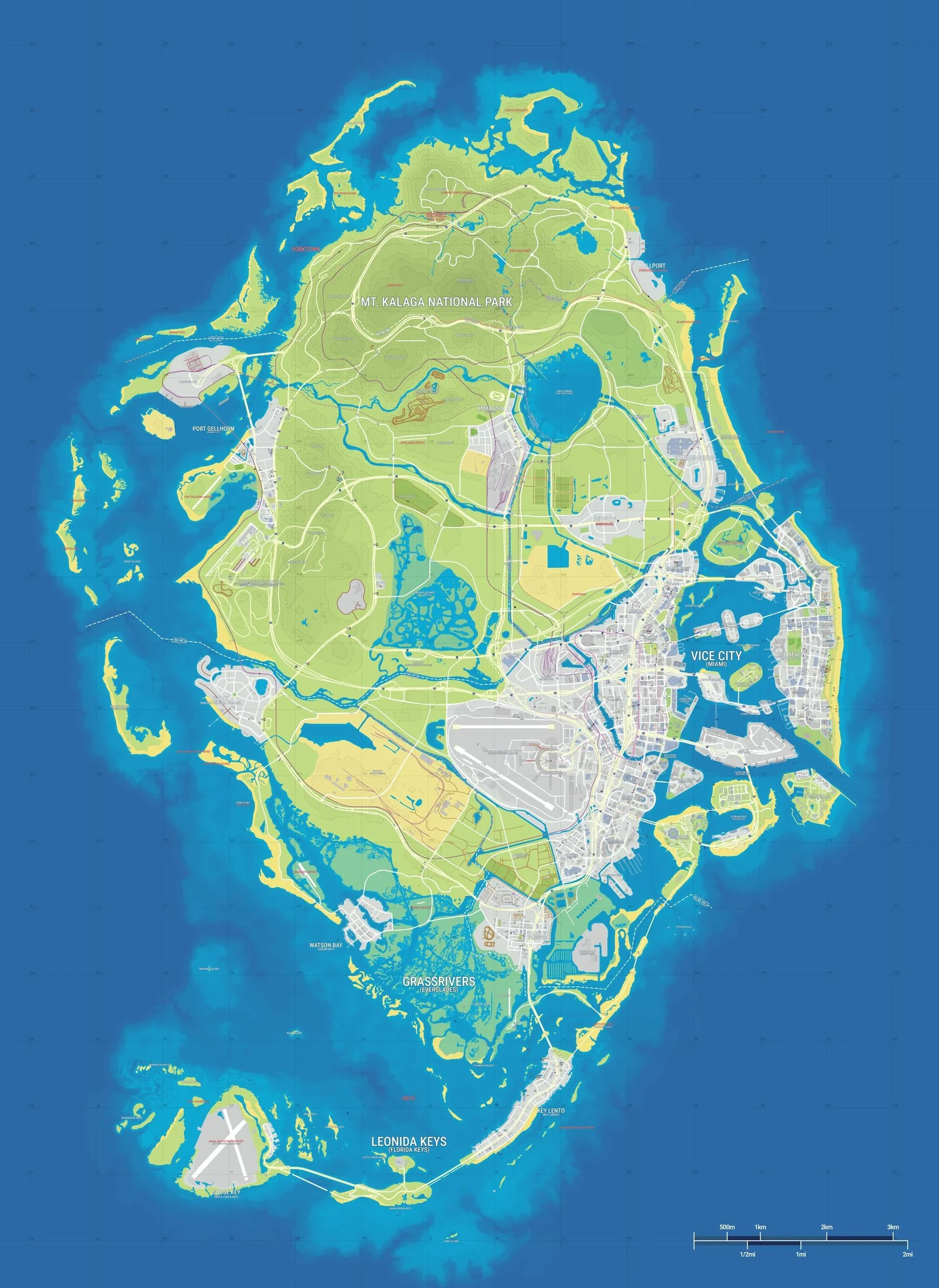
Browse Vice City and nearby locations, save visits and share pins.
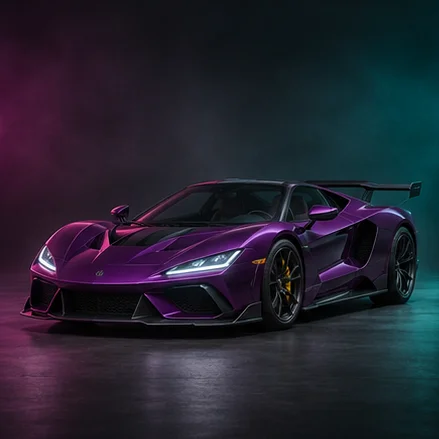
Check the documented cars and builds in Rockstar’s edition guide.
Map artwork © GTADB.ORG and contributors · CC BY 4.0 · Cropped for preview. Vehicle class illustration.
Editor’s picks
Guides
See documented vehicle variants in the Vintage Vice City Pack and Ultimate Edition.
Guides
Use the publisher’s downloads and browse confirmed regions in the Vice Coast Guide explorer.
Settings
Find subtitles, controller sensitivity, camera and accessibility options.
Interactive
Check when edition vehicles become available and track which bonuses you have found.
Finish console setup, choose accessibility settings and pick a place to visit.
Check available console storage against your game install and spare-space target.
Return to landmarks you saved on the interactive map.
Zoom into Leonida, find Vice City landmarks, and save places you visit.
Track the missions you’ve completed and reveal spoilers on your terms.
Publisher feeds
Feed refreshes every 15 minutes.
Newswire
Story mode
Leonida
The garage
Los Santos
Help desk
Editorial selection
Guides
Rockstar brought Hao’s Special Works to the enhanced PC release.
Guides
Use the in-game Stats menu and record the totals in the Vice Coast Guide checklist.
Settings
Rockstar documents the default camera input for PlayStation, Xbox and PC.
Start with the launch help center to check storage, redemption and display setup. The first-session checklist covers subtitles, controller settings and your first map stop.
Yes. Search by region or landmark and save visits without opening a mission guide. The community map shows approximate positions.